
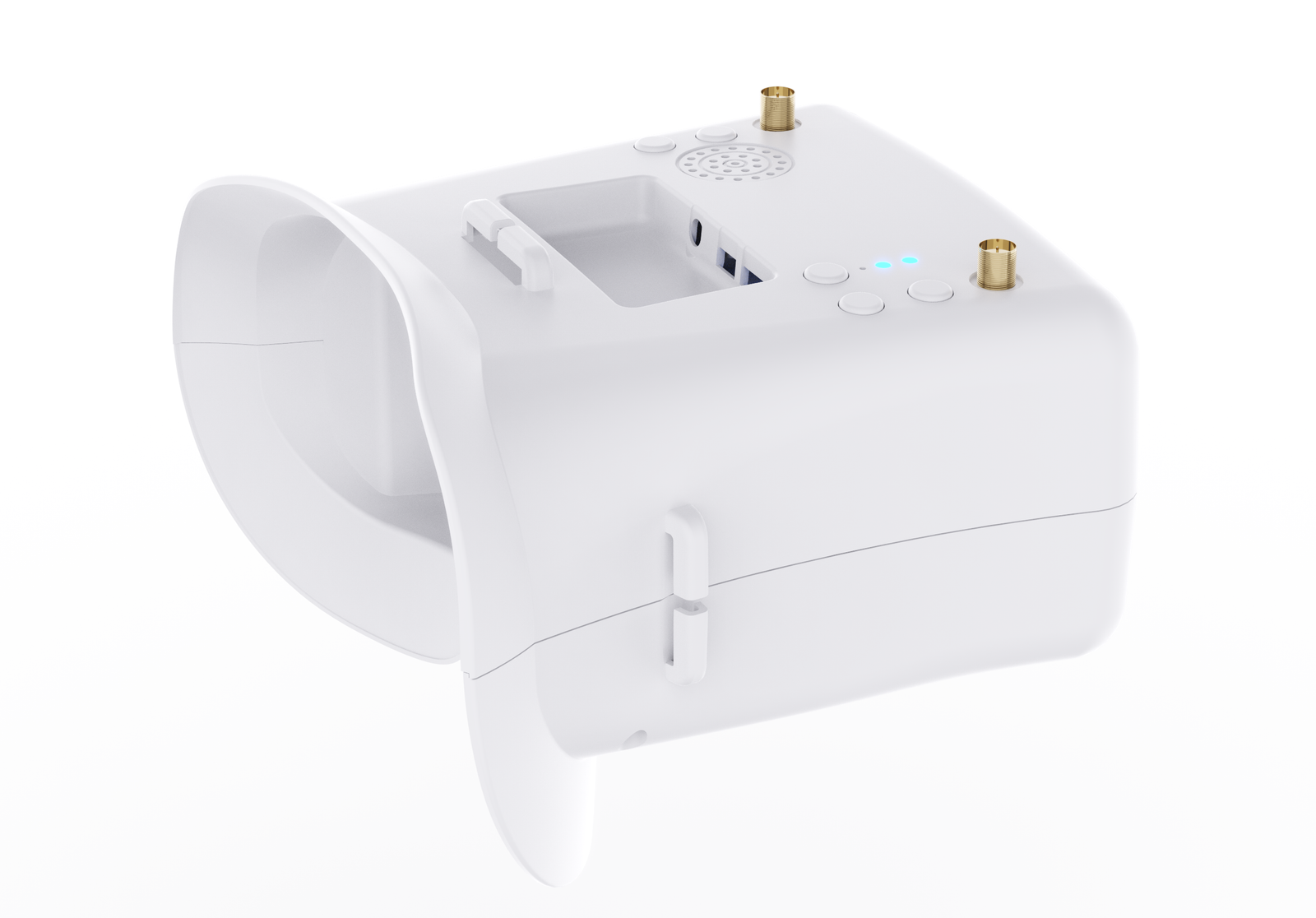
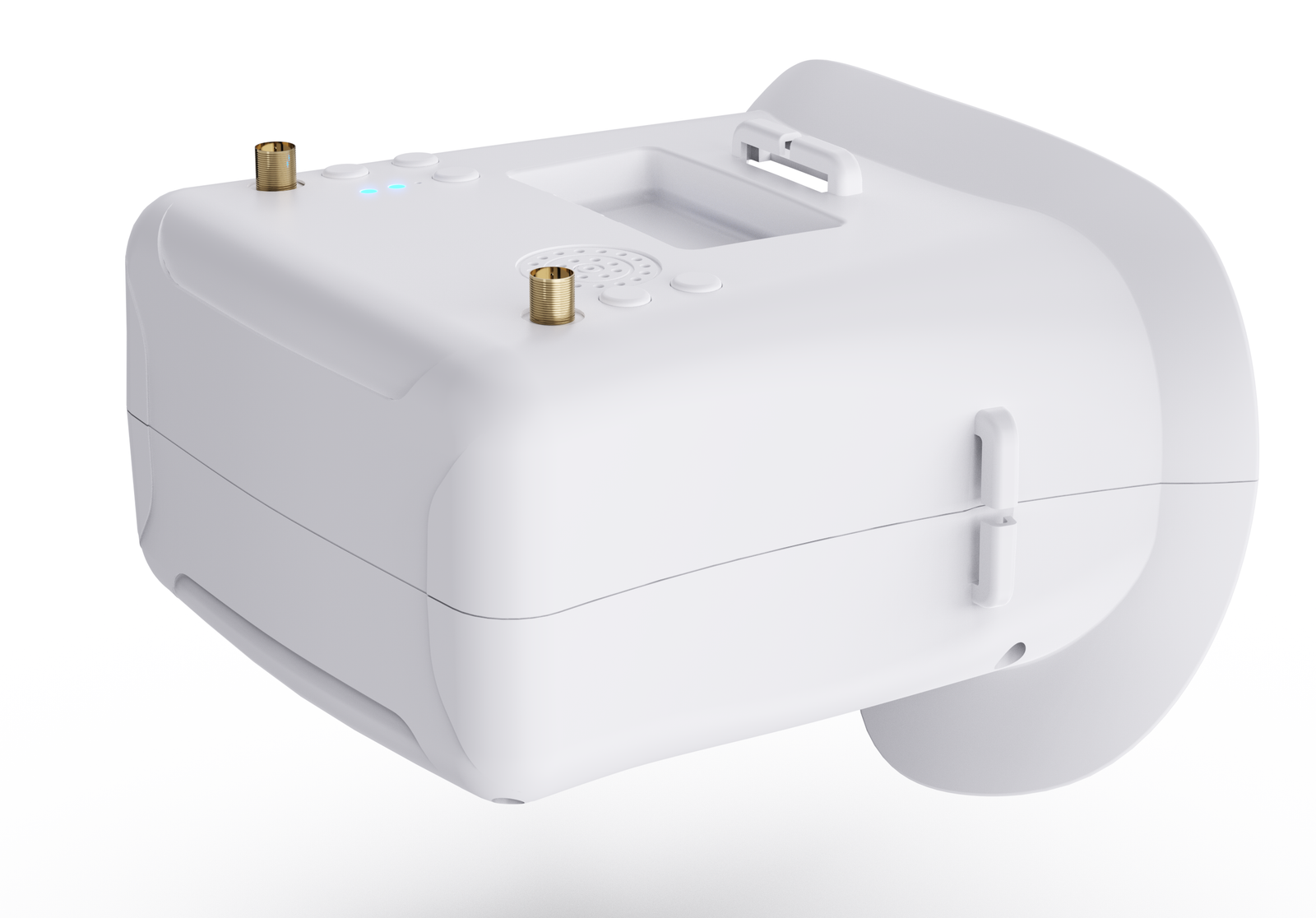
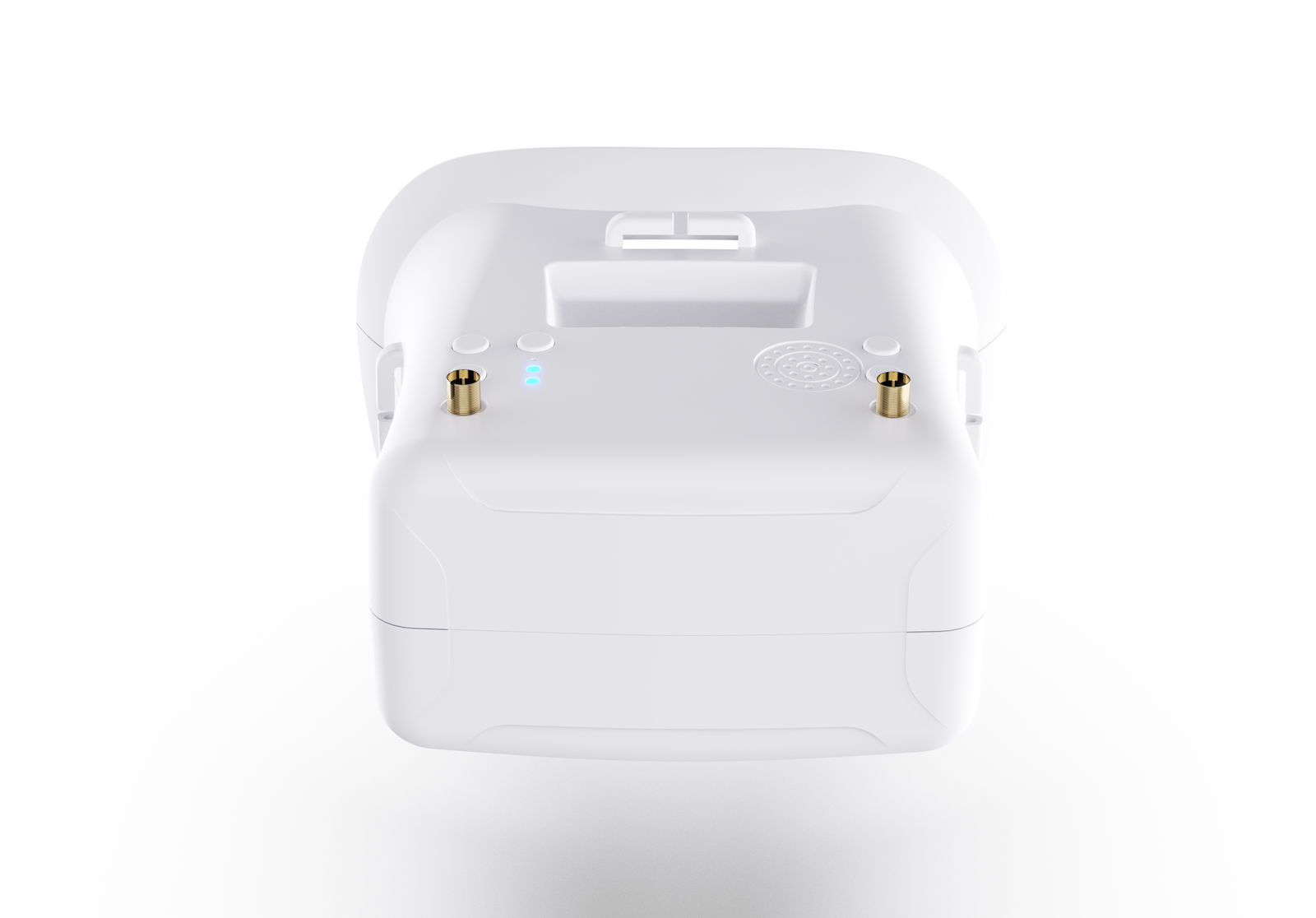
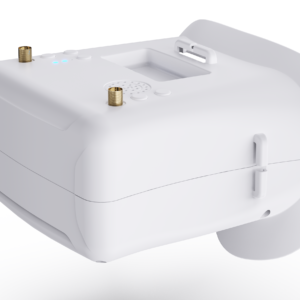
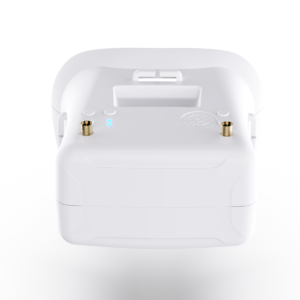
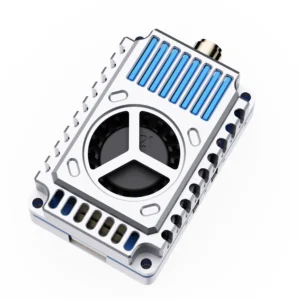
Product Appearance
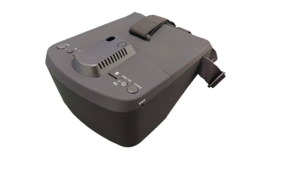
Product Feature
- Support DVR: With DVR,you can record videos anytime and anywhere .
- Low Power Consumption: The working current as low as 400mAh can greatly improve the battery life, so that you no longer have to worry about battery life.
- Auto-Searching: Support a key search frequency to quickly and easily find the working frequency you need.
- 5 Inch HD Screen: 16:9 800*480 dot high brightness LCD HD Screen Provides better, clearer and smoother picture quality.
- Built-in Battery: Built-in 7.4V 1200mAh high-capacity rechargeable li-ion polymer battery.
- Support External Video Signal Input or Output.
- Real-time video return, Very low time delay.
Product Specification
| Model | ||
| Name | 800D Pro FPV Goggles | |
| LCD Screen | Screen size: 5 Inch | |
| Resolution: 800*480 | ||
| Display Ratio: 16:9 | ||
| View Angle: 6o’clock | ||
| Brightness: 300cd/m² with high brightness backlight LED | ||
| Video delay | Video time-delay less than 20ms | |
| Lens | 2.8X Fresnel Lens, 92% transparent rate no distort of light | |
| Interface | Antenna | 2 X RP-SMA male |
| USB | To charge the battery | |
| AV Jack | External video signals input or output | |
| Card slot | TF-Card, Support up to 64G(C10 recommend) | |
| DVR | REC size: VGA / D1 / HD Selectable | |
| REC sound: ON / OFF Selectable | ||
| REC time: OFF / 3min / 5min / 10min Selectable | ||
| Frame rate: 30 Frames | ||
| Compress format: MJPEG | ||
| Record file format: AVI | ||
| Languages | English and Chinese | |
| Power Supply | Power adapter: DC12V/2A (DC-005) | |
| Battery: 7.4V/1200mAh,
DVR module ON: Each full charge revive around 2hr working time DVR module OFF: Each full charge revive around 3hr working time |
||
| Power Consumption:
* Normal mode: The device operating current of 400mA at 7.4V; * Record Mode : The device operating current of 600mA at 7.4V; * Built-in battery maximum charge current of 1000mA; |
||
| Body | Dimension: 180mm * 140mm * 84mm | |
| Weight: 392g(with headband, not included antennas) | ||
Product Description
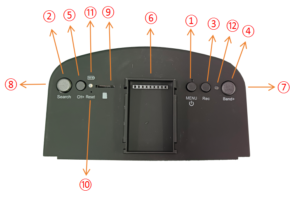
① Key 1: Short press into MENU mode; Long press (More than 2 sec) for Power ON/OFF.
② Key 2: Short press for Auto-Searching; Long press (More than 1.5 sec) into AV mode.
③ Key 3: Short press to start or stop Recording.
④ Key 4: Short press for Band+ (Change bands A-B-E-F-R circularly).
⑤ Key 5: Short press for Channel+ (Change channels 1-2-3-4-5-6-7-8 circularly).
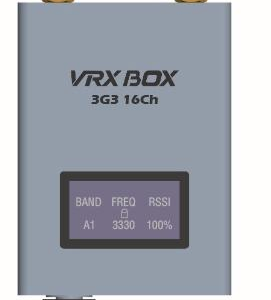
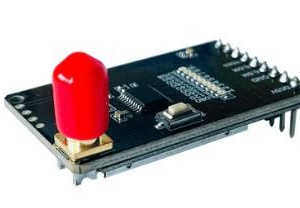
⑥ Interface: External module insertion
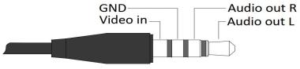
⑦ AV Jack: In RF receiving mode can output Video signal; In AV mode can enter the video signal.
⑧ DCIN: Only supports charging with a power adapter.
⑨ Card slot: Used for inserting memory card.
⑩ RESET: Power Reset.
⑪Charging indicator: When is charging, the red light is on; When is full, the green light is on.
⑫ REC indicator: Show the different working states of the DVR module.
Menu Instructions
In the normal mode, press Key 1 to enter the MENU mode.
In MENU mode:
Key 1: Scroll options bar.
Key 2: Auto-Searching.
Key 3: Invalid.
Key 4: Enter / Value +.
Key 5: Enter / Value -.
Playback Instructions
In the menu mode, select the “DVR” option bar to enter the DVR mode.
In DVR mode:
Key 1: Return / Quit Playback mode.
Key 2: Delete current file.
Key 3: Play / Pause.
Key 4: Forward selection of video / Fast Forward (When video is playing).
Key 5: Backward selection of video / Fast Rewind (When video is playing).
AV Port Instructions
Module Interface Definition

Safety Instruction
- Read the entire instruction manual to become familiar with the features of the product before operating.
- Age Recommendation: Over 14 years old. Using any near eye displays on children under 14 can cause eye development problems. This is not a toy.
- Please avoid wet or humid environments.
- Video output and Video input cannot work at the same time.
Legal Disclaimer
Important Notice on Radio Frequency Usage
1.DMKR high-performance goggle modules are powerful RF instruments.Designed for specialized industrial, research, and laboratory applications. By purchasing this product, the buyer acknowledges and agrees to the following:
2.Regulatory Compliance: It is the buyer’s sole responsibility to ensure that the operation of this device complies with local laws, radio frequency regulations, and licensing requirements in their respective country or region.
3.Professional Use Only: This equipment should only be operated by qualified professionals. DMKR is not liable for any legal consequences, fines, or damages resulting from illegal or improper use.
4.Frequency Licensing: The 7.2GHz band may be restricted or require a specific technician’s license for operation. Please consult your local telecommunications authority (e.g., FCC, OFCOM, BNetzA) before powering on the device.
5.Risk of Misuse: The user assumes all risks associated with the deployment of this hardware. DMKR does not authorize the use of these devices in prohibited areas, including but not limited to, near airports or restricted government airspace.
6.No Liability: In no event shall DMKR be held liable for any direct, indirect, or incidental damages, including hardware failure of the UAV/UGV or legal intervention, arising out of the use or inability to use this product.
7.Safety Warning: High-power RF devices generate significant heat and radiation. Ensure proper thermal management and maintain a safe distance during operation.
8.Hardware Modification: Unauthorized modification of the firmware or hardware may void compliance certifications and safety protections.

Reviews
There are no reviews yet.