
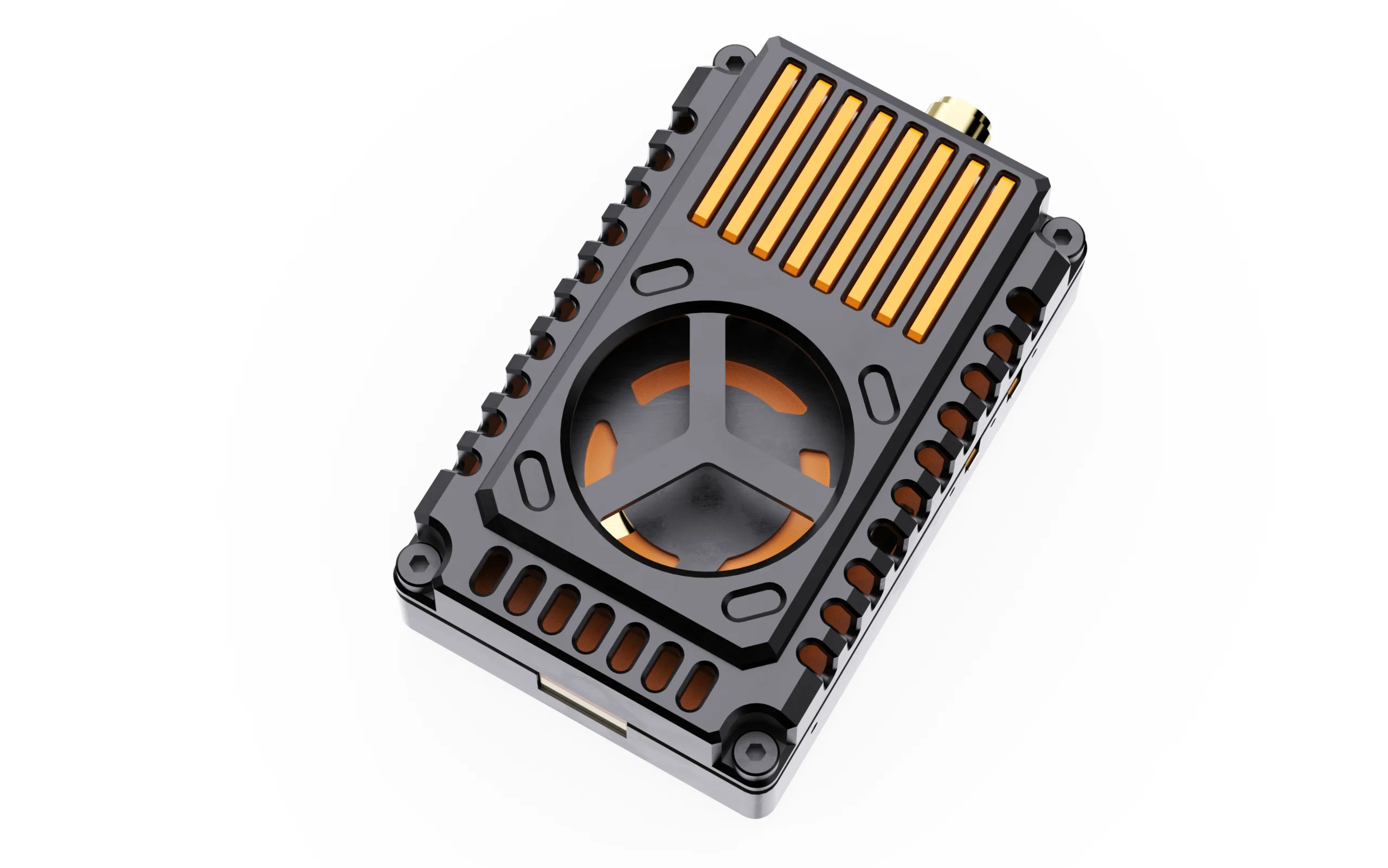
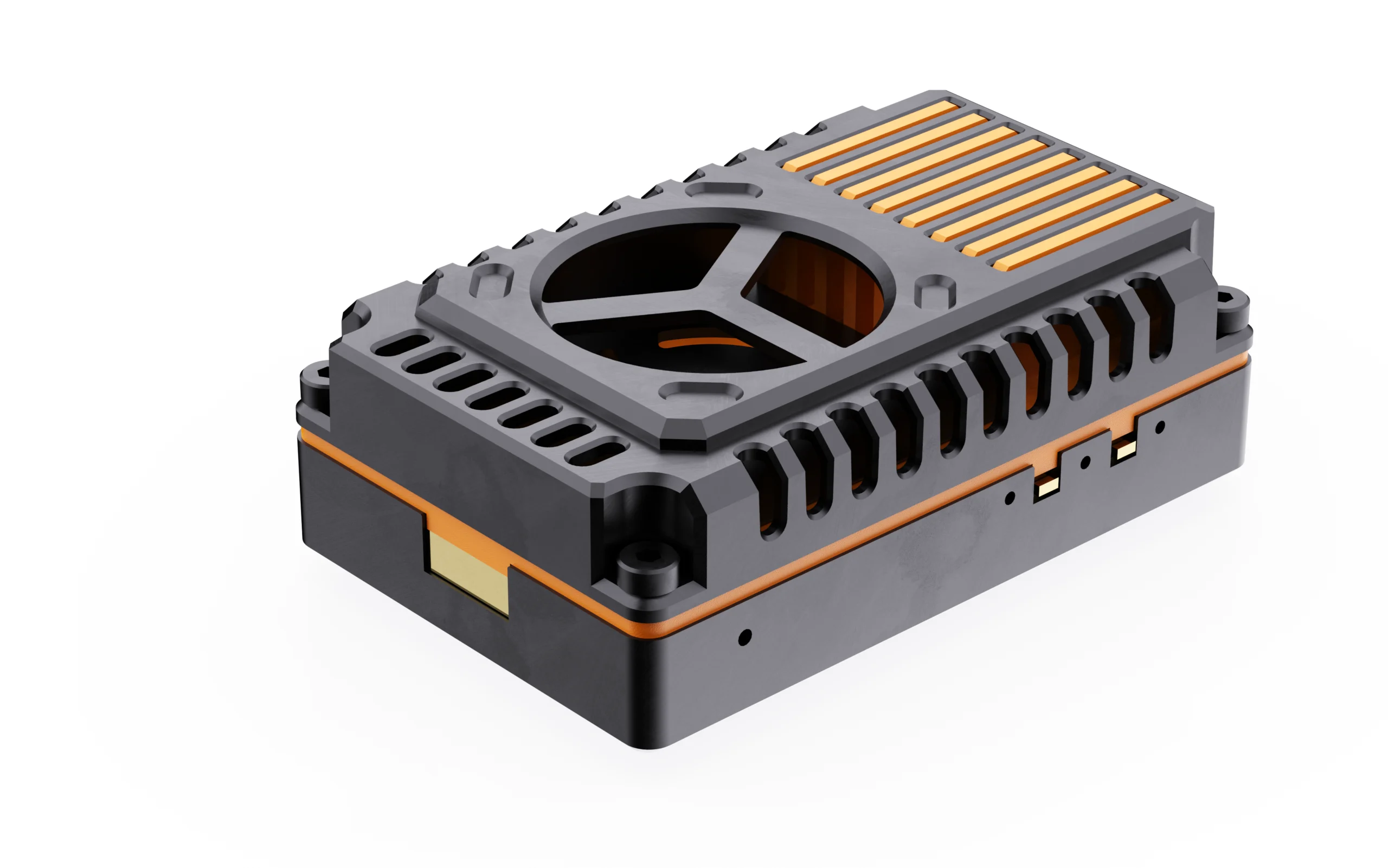
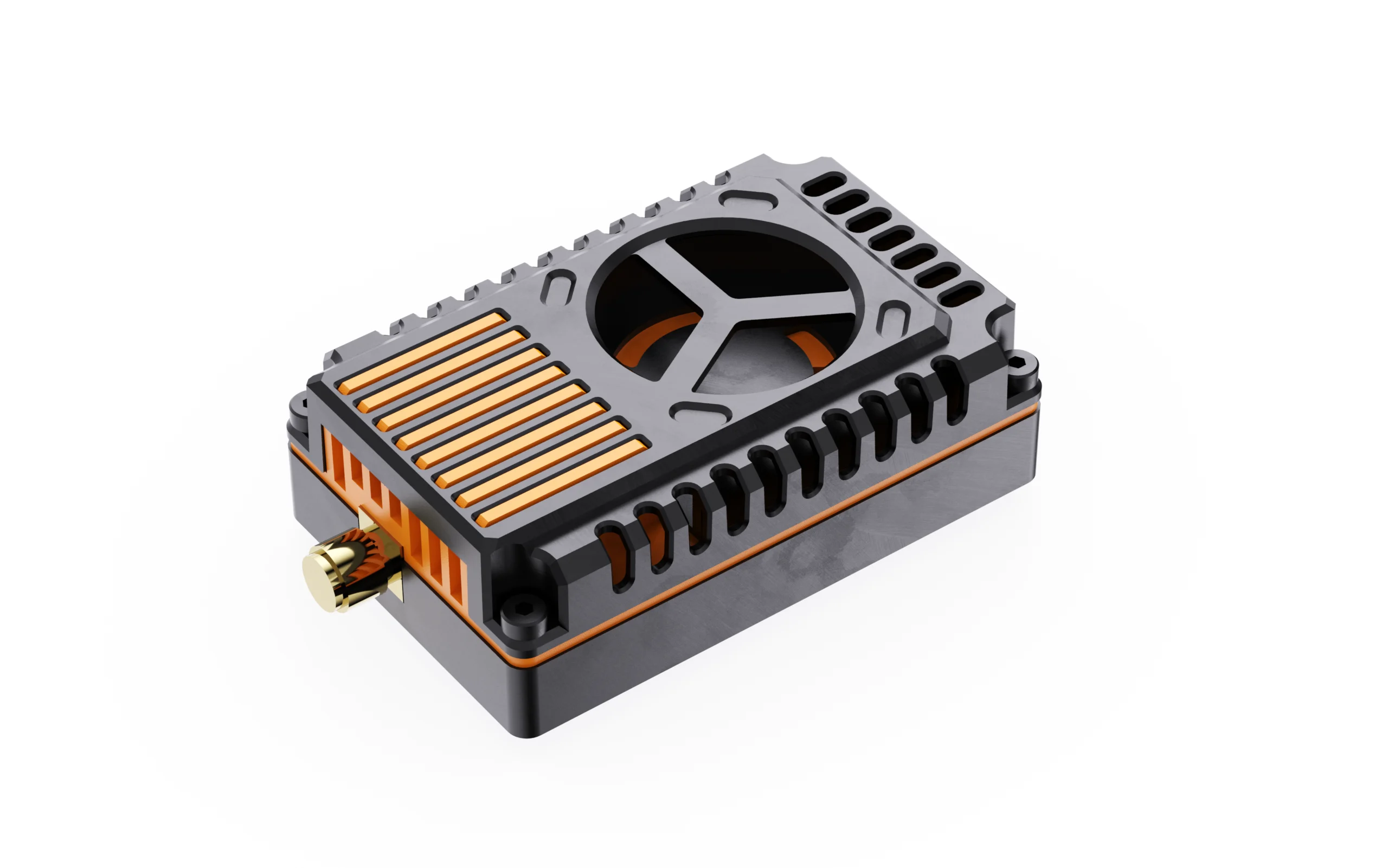
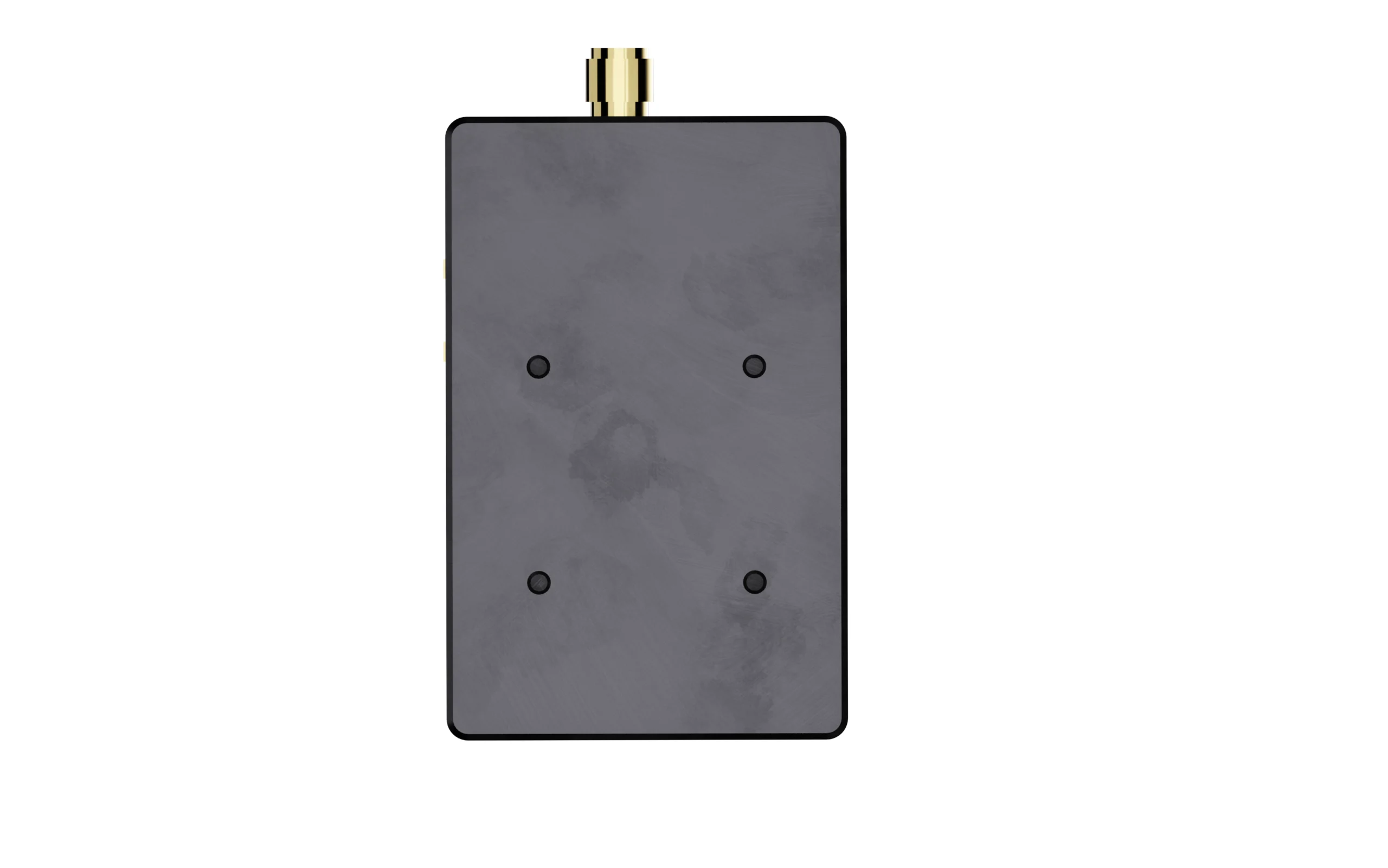
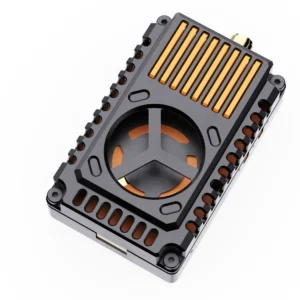
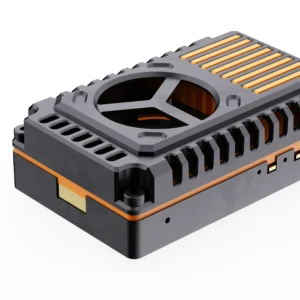
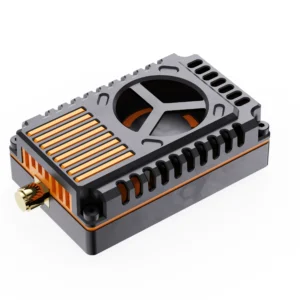

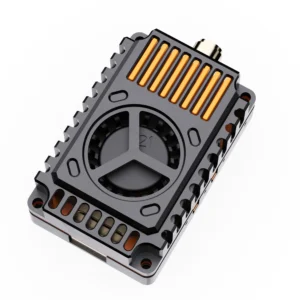
Product Appearance

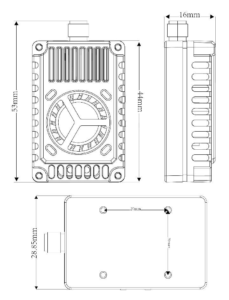
Product Dimension
Function Introduction
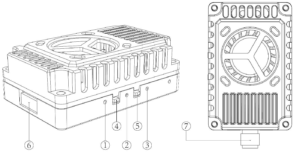
1. Frequency indicator light: red LED
2. Frequency band indicator light: blue LED
3. Power indicator light: green LED
4. Frequency band and frequency point adjustment buttons
5. Power adjustment button
6.1.0 6P cable tray
7. SMA Mother Seat Inner Hole Antenna Seat V. Button Control Mode and LED Indicator Light Definition
1. Button ④ is the frequency point and frequency band switching button; Each short press of button ④ will switch to the corresponding red LED of the next frequency point, which will flash in sequence for frequency points 1, 2, 3, 4, 5, 6, 7, and 8. This operation can be looped;
| Short press button ④ to switch channel | ||||||||
| Red LED | CH1 | CH2 | CH3 | CH4 | CH5 | CH6 | CH7 | CH8 |
| Flash once | Flash twice | Flash for 3 times | Flash for 4 times | Flash for 5 times | Flash for 6 time | Flash for 7 times | Flash for 8 times | |
Press and hold button ④ to switch frequency bands. Press and hold for 5 seconds, and the corresponding blue LED will flash. The frequency group will cycle from Band A to Band U. This operation can be looped;
| Long press button ④ to switch bands | ||||||||
| Blue LED | Band A | Band B | Band E | Band F | Band R | Band P | Band H | Band U |
| Flash once | Flash twice | Flash for 3 times | Flash for 4 times | Flash for 5 times | Flash for 6 time | Flash for 7 times | Flash for 8 times | |
2. Button ⑤ is the power adjustment button, which switches the power level by short pressing once, between 0mW and 25mW
Cycle between the four levels of 2000mW and 4000mW. The green LED is the power indicator light, as shown in the following figure. It flashes once at 0mW, twice at 25mW, three times at 2000mW, and four times at 4000mW. Press and hold for 3 seconds to enter pit mode, with the green light constantly on.
| Short press button ⑤ Power switch | |||||
| Green LED | Pit Mode | 0mw | 25mW | 2000mW | 4000mW |
| Everlasting brightness | Flashes 1 time | Flashes Twice | Flashes 3 times | Flashes 4 times | |
Note: This image transmission has a temperature protection function. When the temperature of the image transmission is higher than 100 ℃, the transmission power of this image transmission will decrease by one level. If the temperature is still higher than 100 ℃, it will continue to decrease by another level until the lowest power level (0mW) is reached; At this point, the temperature of the image transmission will decrease. When the temperature drops to 95 ℃, the transmission power will return to the originally set power level.
Frequency Table
| Frequency Table | ||||||||
| Channel Band | CH1 | CH2 | CH3 | CH4 | CH5 | CH6 | CH7 | CH8 |
| BAND A | 6110 | 6130 | 6150 | 6170 | 6190 | 6210 | 6230 | 6250 |
| BAND B | 6270 | 6290 | 6310 | 6330 | 6350 | 6370 | 6390 | 6410 |
| BAND E | 6430 | 6450 | 6470 | 6490 | 6510 | 6530 | 6550 | 6570 |
| BAND F | 6590 | 6610 | 6630 | 6650 | 6670 | 6690 | 6710 | 6730 |
| BAND R | 6750 | 6770 | 6790 | 6810 | 6830 | 6850 | 6870 | 6890 |
| BAND P | 6910 | 6930 | 6950 | 6970 | 6990 | 7010 | 7030 | 7050 |
| BAND H | 7070 | 7090 | 7110 | 7130 | 7150 | 7170 | 7190 | 7210 |
| BAND U | 6115 | 6265 | 6425 | 6585 | 6745 | 6905 | 7065 | 7185 |
Illustrate of 6P 1.0 Wiring
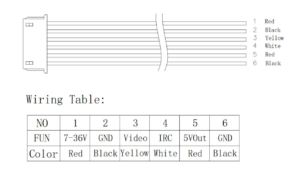
Notice For Use
1. When installing image transmission, it is necessary to leave space to ensure air convection around the module and ensure module heat dissipation; Otherwise, the module overheating protection will activate, reduce power transmission, or even turn off power transmission.
2. It is recommended to ensure the correct voltage range and positive and negative poles before connecting the power supply to avoid burning out the components.
3. It is recommended to ensure that the RF output terminal has an antenna installed before connecting the power supply, which can extend the service life of the module.
4. Please read the instruction manual before use, as this will ensure proper wiring and extend the lifespan of the module.
Legal Disclaimer
Important Notice on Radio Frequency Usage
1.DMKR high-performance VTX modules are powerful RF instruments.Designed for specialized industrial, research, and laboratory applications. By purchasing this product, the buyer acknowledges and agrees to the following:
2.Regulatory Compliance: It is the buyer’s sole responsibility to ensure that the operation of this device complies with local laws, radio frequency regulations, and licensing requirements in their respective country or region.
3.Professional Use Only: This equipment should only be operated by qualified professionals. DMKR is not liable for any legal consequences, fines, or damages resulting from illegal or improper use.
4.Frequency Licensing: The 7.2GHz band may be restricted or require a specific technician’s license for operation. Please consult your local telecommunications authority (e.g., FCC, OFCOM, BNetzA) before powering on the device.
5.Risk of Misuse: The user assumes all risks associated with the deployment of this hardware. DMKR does not authorize the use of these devices in prohibited areas, including but not limited to, near airports or restricted government airspace.
6.No Liability: In no event shall DMKR be held liable for any direct, indirect, or incidental damages, including hardware failure of the UAV/UGV or legal intervention, arising out of the use or inability to use this product.
7.Safety Warning: High-power RF devices generate significant heat and radiation. Ensure proper thermal management and maintain a safe distance during operation.
8.Hardware Modification: Unauthorized modification of the firmware or hardware may void compliance certifications and safety protections.

Reviews
There are no reviews yet.