
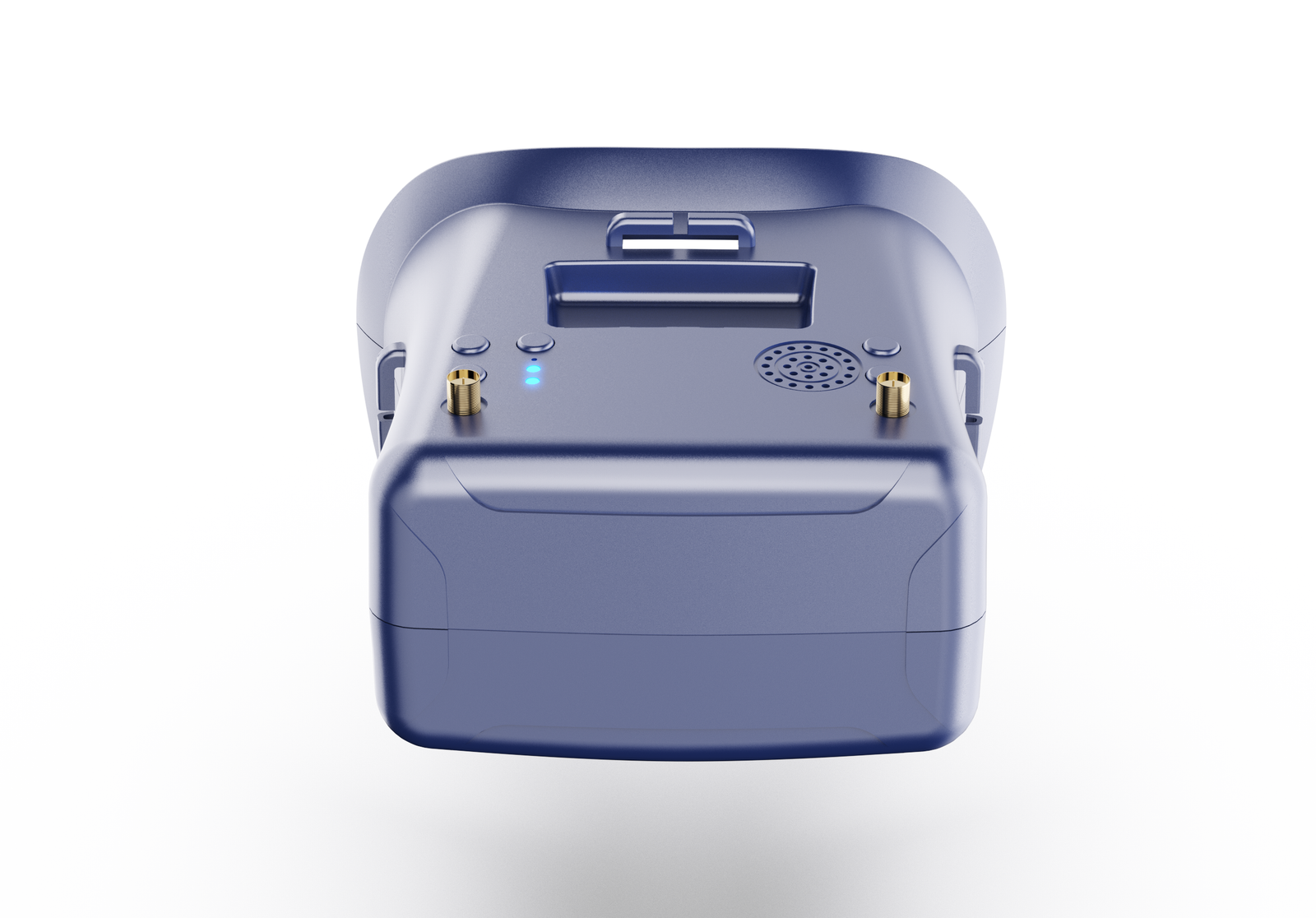
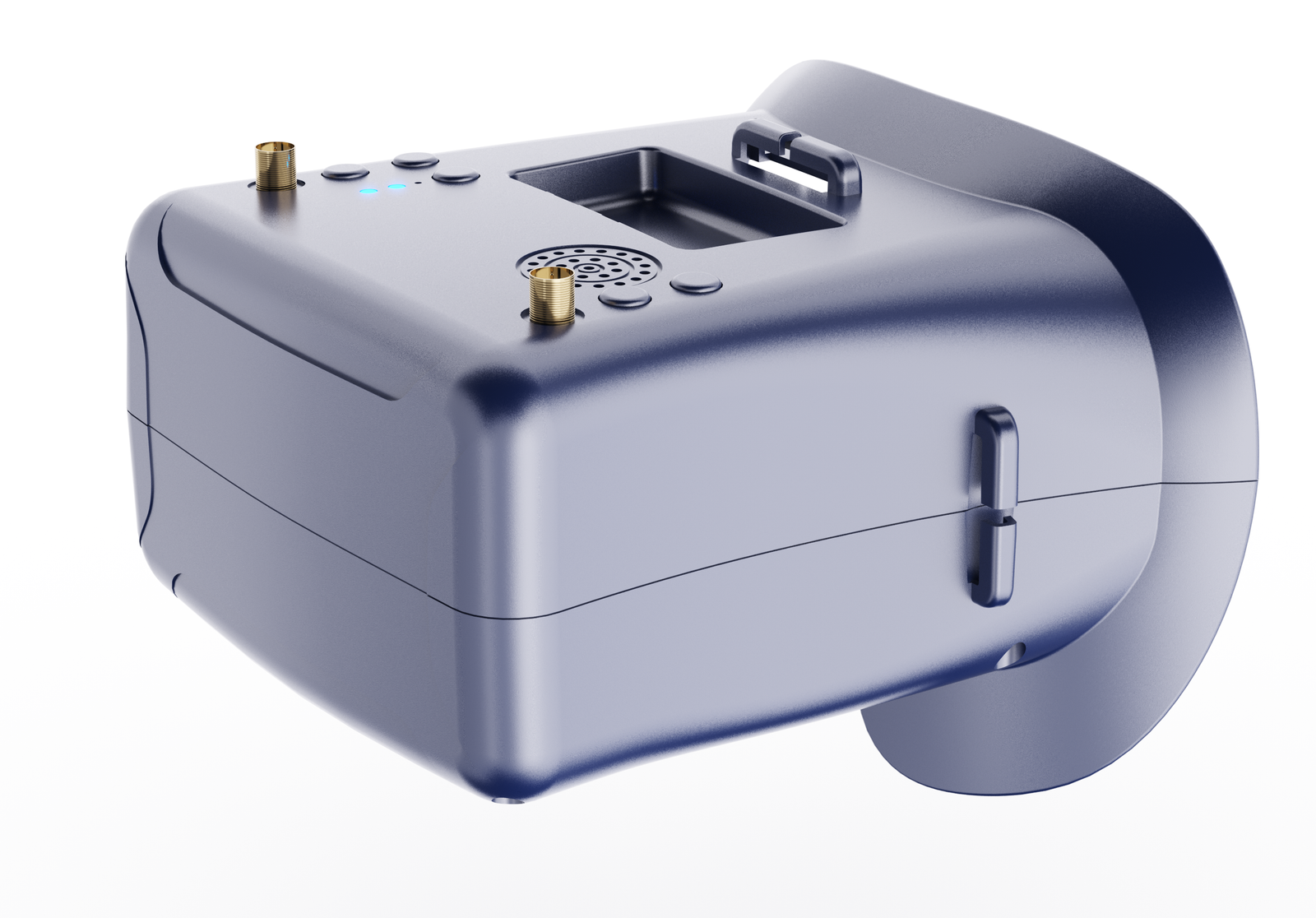
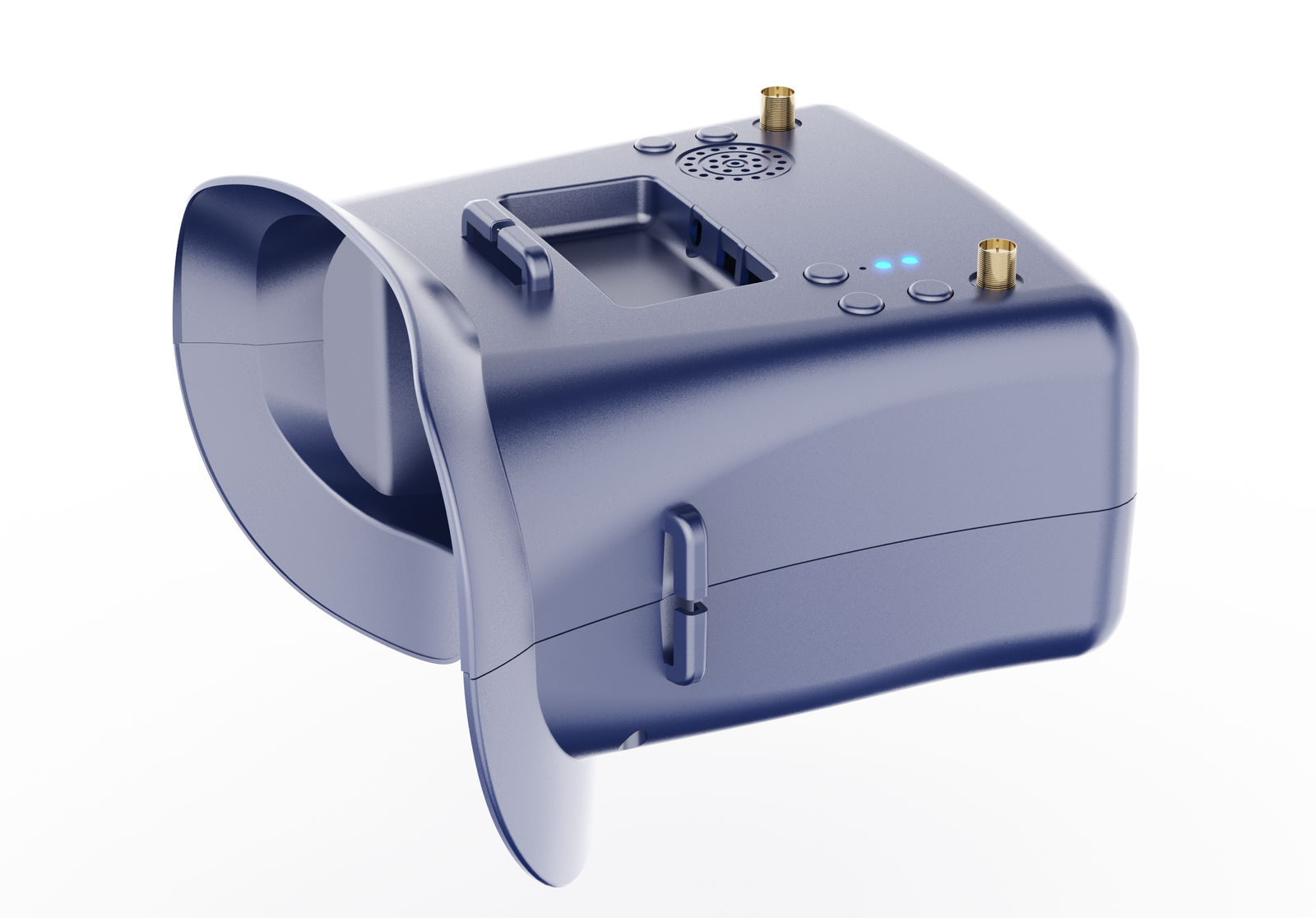
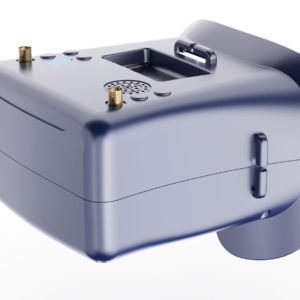

Feature
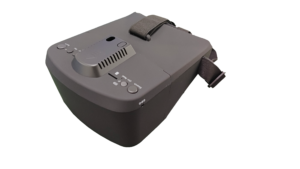
- Support DVR: With DVR,you can record videos anytime and anywhere .
- Low Power Consumption: The working current as low as 400mAh can greatly improve the battery life, so that you no longer have to worry about battery life.
- Auto-Searching: Support a key search frequency to quickly and easily find the working frequency you need.
- 5 Inch HD Screen: 16:9 800*480 dot high brightness LCD HD Screen Provides better, clearer and smoother picture quality.
- Built-in Battery: Built-in 7.4V 1200mAh high-capacity rechargeable li-ion polymer battery.
- Support External Video Signal Input or Output.
- Real-time video return, Very low time delay.
Specification
| Model | ||
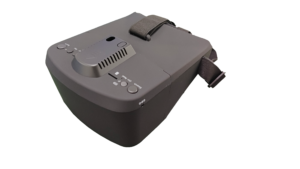
| Name | 800D Pro FPV Goggles | |
| LCD Screen | Screen size: 5 Inch | |
| Resolution: 800*480 | ||
| Display Ratio: 16:9 | ||
| View Angle: 6o’clock | ||
| Brightness: 300cd/m² with high brightness backlight LED | ||
| Video delay | Video time-delay less than 20ms | |
| Lens | 2.8X Fresnel Lens, 92% transparent rate no distort of light | |
| Interface | Antenna | 2 X RP-SMA male |
| USB | To charge the battery | |
| AV Jack | External video signals input or output | |
| Card slot | TF-Card, Support up to 64G(C10 recommend) | |
| DVR | REC size: VGA / D1 / HD Selectable | |
| REC sound: ON / OFF Selectable | ||
| REC time: OFF / 3min / 5min / 10min Selectable | ||
| Frame rate: 30 Frames | ||
| Compress format: MJPEG | ||
| Record file format: AVI | ||
| Languages | English and Chinese | |
| Power Supply | Power adapter: DC12V/2A (DC-005) | |
| Battery: 7.4V/1200mAh,
DVR module ON: Each full charge revive around 2hr working time DVR module OFF: Each full charge revive around 3hr working time |
||
| Power Consumption:
* Normal mode: The device operating current of 400mA at 7.4V; * Record Mode : The device operating current of 600mA at 7.4V; * Built-in battery maximum charge current of 1000mA; |
||
| Body | Dimension: 180mm * 140mm * 84mm | |
| Weight: 392g(with headband, not included antennas) | ||
Description
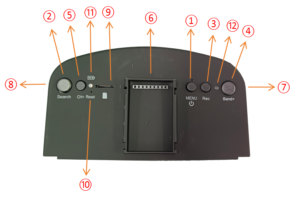
① Key 1: Short press into MENU mode; Long press (More than 2 sec) for Power ON/OFF.
② Key 2: Short press for Auto-Searching; Long press (More than 1.5 sec) into AV mode.
③ Key 3: Short press to start or stop Recording.
④ Key 4: Short press for Band+ (Change bands A-B-E-F-R circularly).
⑤ Key 5: Short press for Channel+ (Change channels 1-2-3-4-5-6-7-8 circularly).
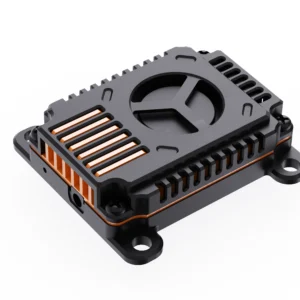
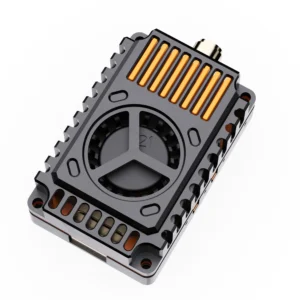
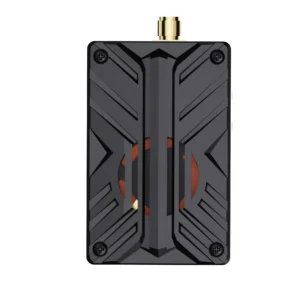
⑥ Interface: External module insertion
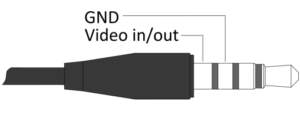
⑦ AV Jack: In RF receiving mode can output Video signal; In AV mode can enter the video signal.
⑧ DCIN: Only supports charging with a power adapter.
⑨ Card slot: Used for inserting memory card.
⑩ RESET: Power Reset.
⑪Charging indicator: When is charging, the red light is on; When is full, the green light is on.
⑫ REC indicator: Show the different working states of the DVR module.
Menu Instruction
In the normal mode, press Key 1 to enter the MENU mode.
In MENU mode:
Key 1: Scroll options bar.
Key 2: Auto-Searching.
Key 3: Invalid.
Key 4: Enter / Value +.
Key 5: Enter / Value -.
Playback Instruction
In the menu mode, select the “DVR” option bar to enter the DVR mode.
In DVR mode:
Key 1: Return / Quit Playback mode.
Key 2: Delete current file.
Key 3: Play / Pause.
Key 4: Forward selection of video / Fast Forward (When video is playing).
Key 5: Backward selection of video / Fast Rewind (When video is playing).
AV Port Instruction
Module Interface Definition

Dimension Diagram
Not include antennas and headband
Safety Instruction
- Read the entire instruction manual to become familiar with the features of the product before operating.
- Age Recommendation: Over 14 years old. Using any near eye displays on children under 14 can cause eye development problems. This is not a toy.
- Please avoid wet or humid environments.
- Video output and Video input cannot work at the same time.

Reviews
There are no reviews yet.